
Every bed and seat, accounted for
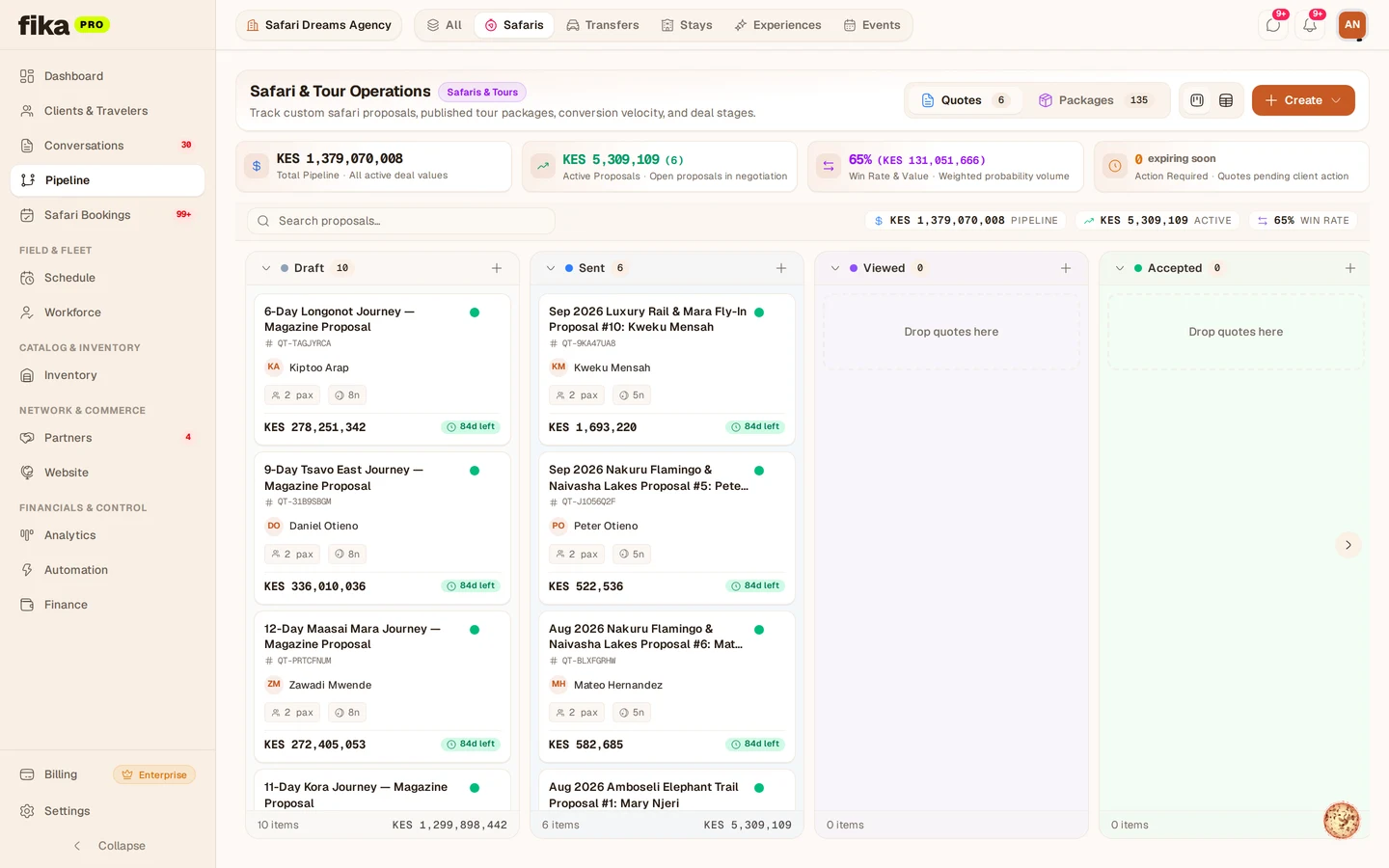
Room allotments, vehicle seats, and activity slots tracked live as bookings consume them — with release rules and over-allotment guards.

In one line
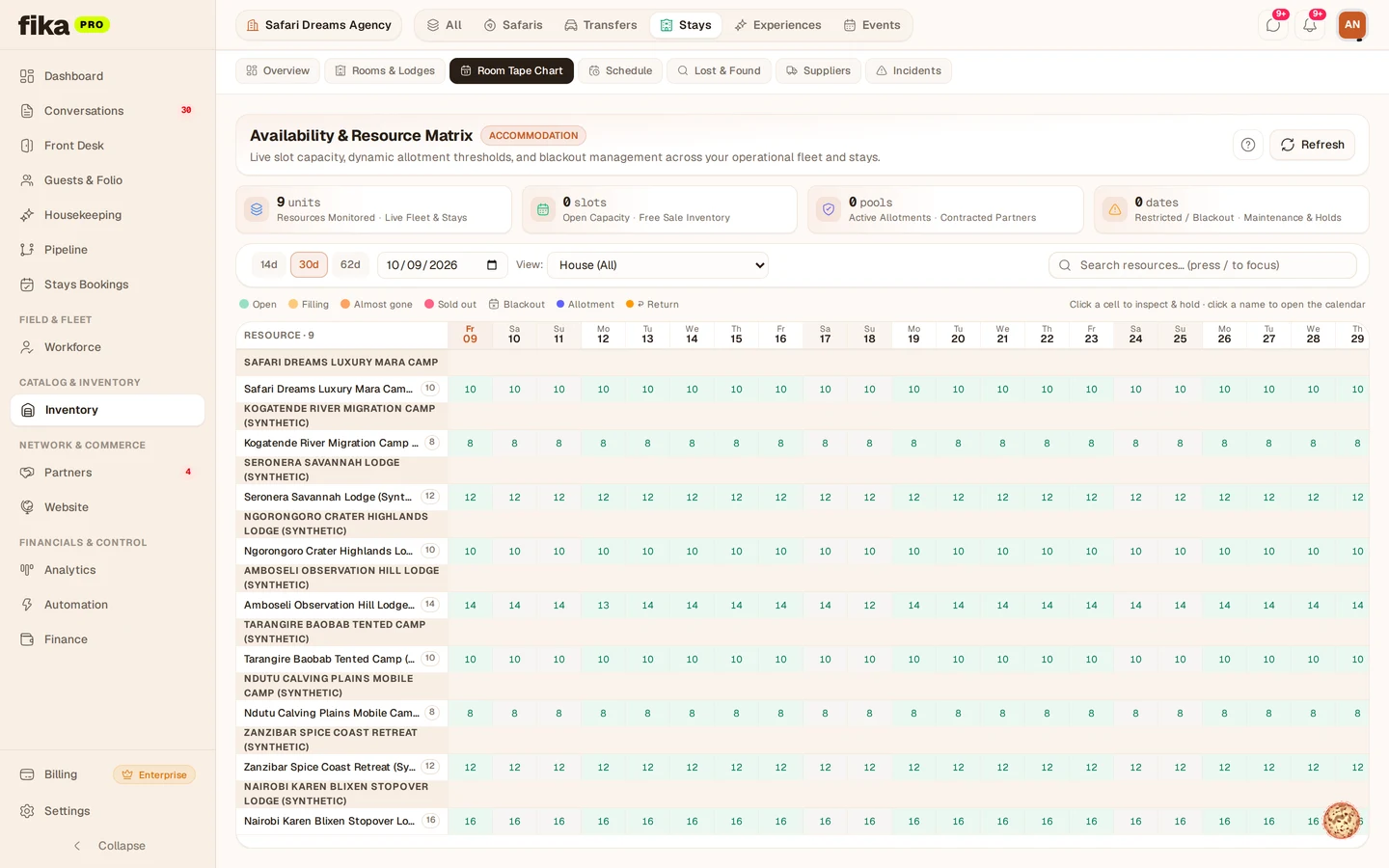
Load contracted blocks per supplier and season, watch bookings consume them in real time, and release unsold inventory automatically before cut-off.
How Fika runs your allotments
- 01
Load contracted blocks
Room allotments, seat blocks, and activity slots per supplier and season — with release dates, cut-offs, and stop-sale rules attached.
- 02
Sell against live availability
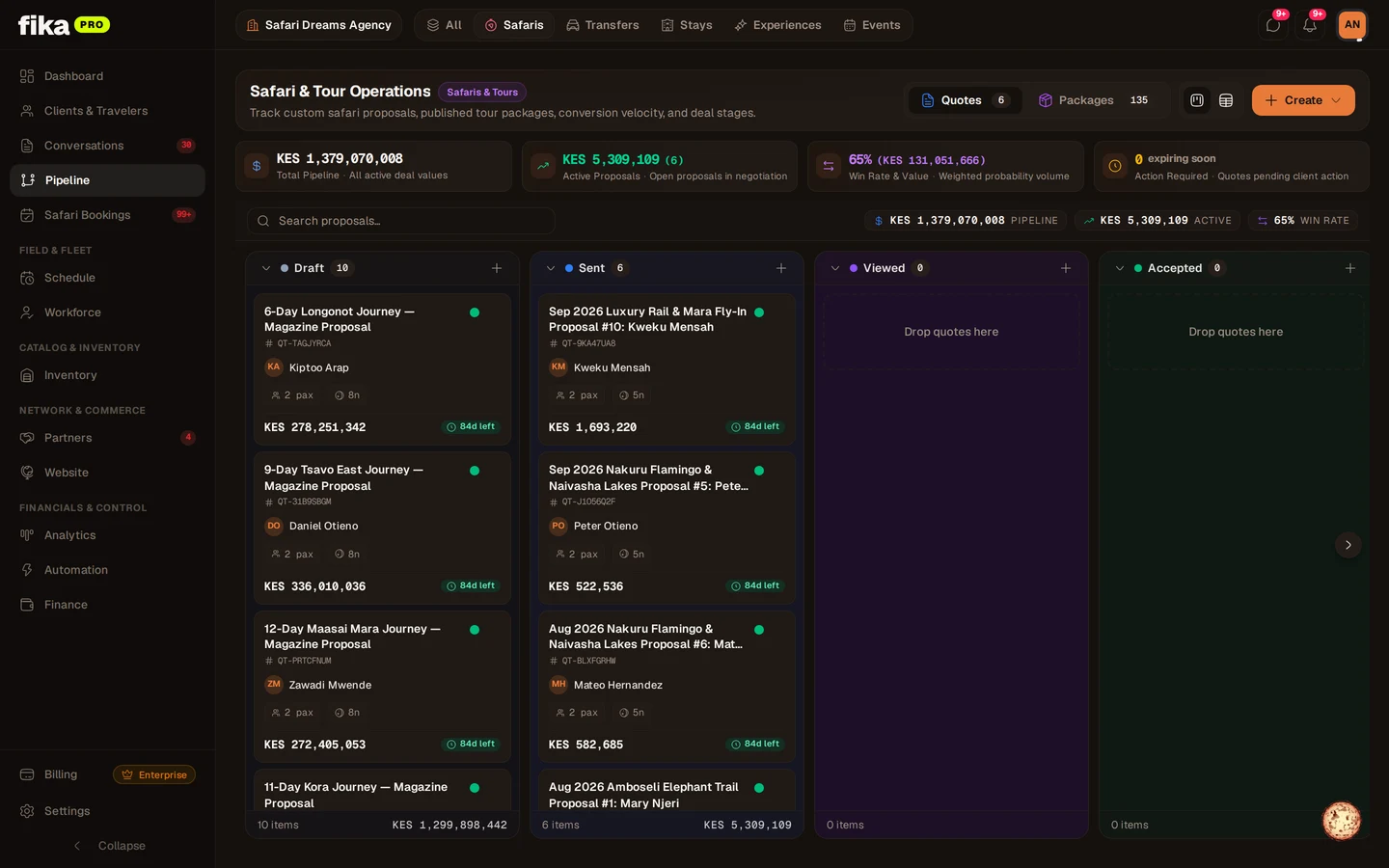
Reservations, quotes, and the booking engine all read the same live counts — overbookings stop happening at the source.
- 03
Release unsold inventory on time
Automatic release rules return unsold rooms and seats before cut-off, so you never pay for inventory you could not sell.
- 04
Reconcile with suppliers
Used, released, and no-show units settle against the contract with statements both sides can verify line by line.
Allotment capabilities
Allotment matrix
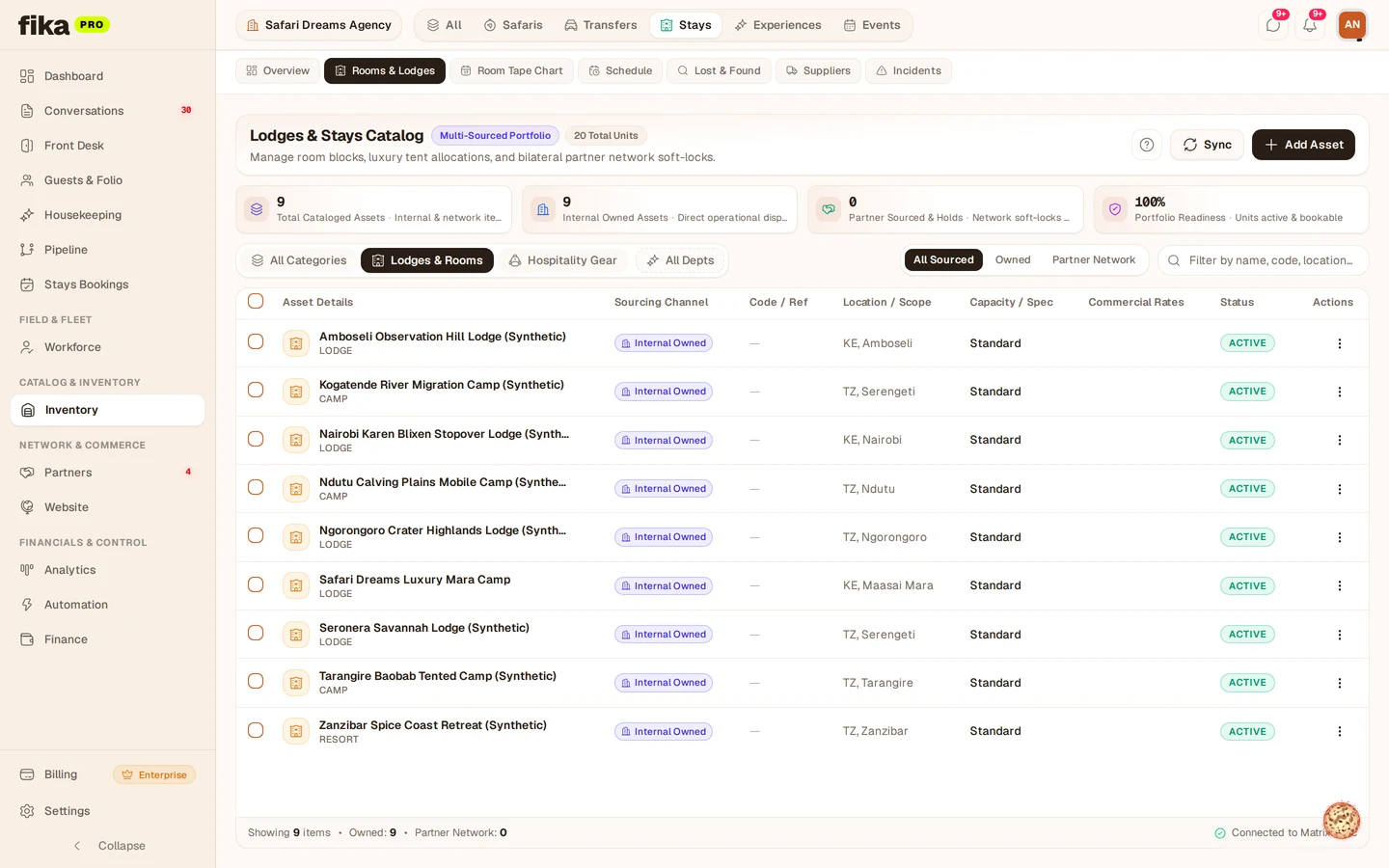
Every contracted block — rooms, seats, slots — in one visual matrix with live remaining counts.
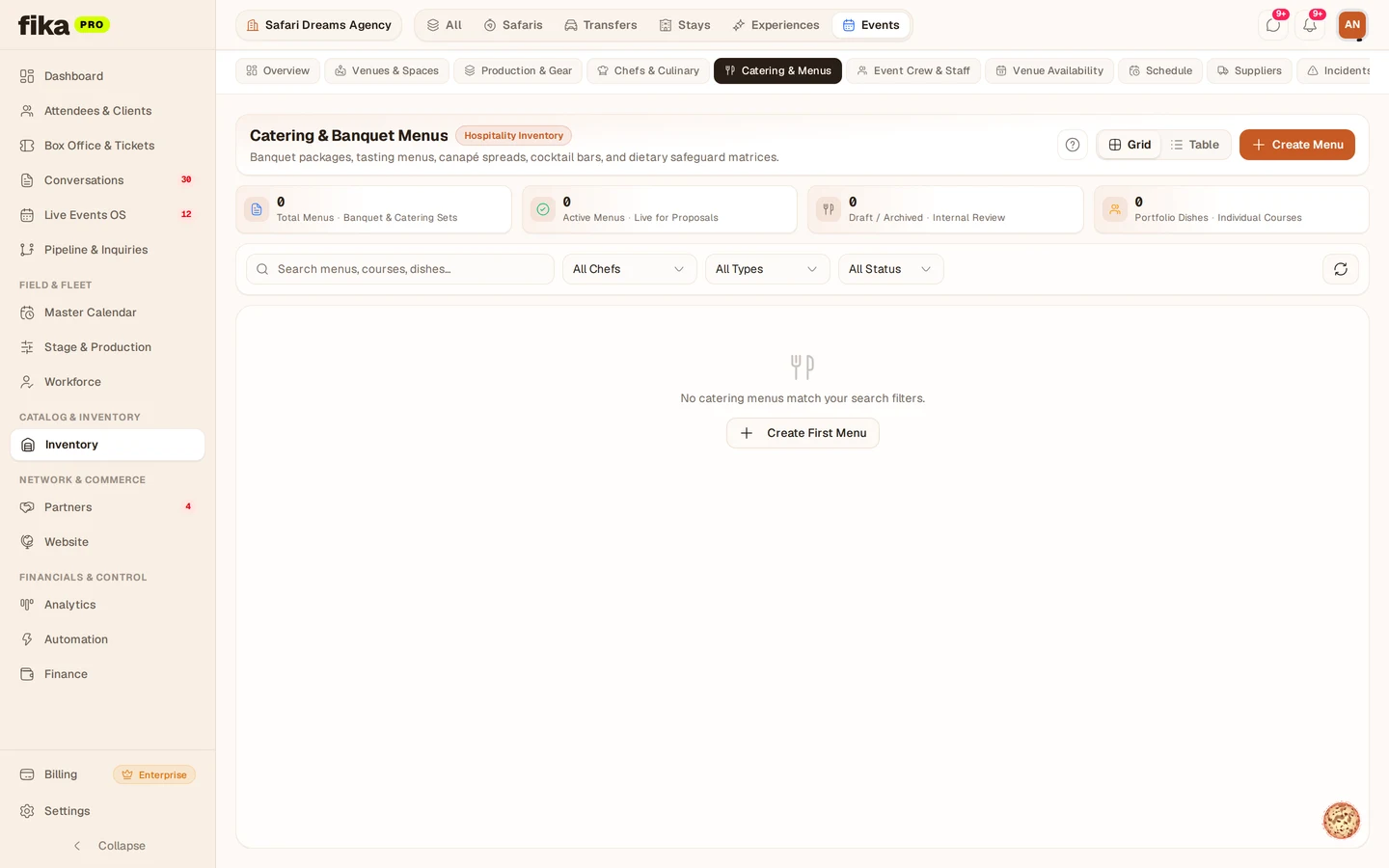

Release rules
Automatic cut-off releases with grace periods, so unsold inventory returns before penalties hit.
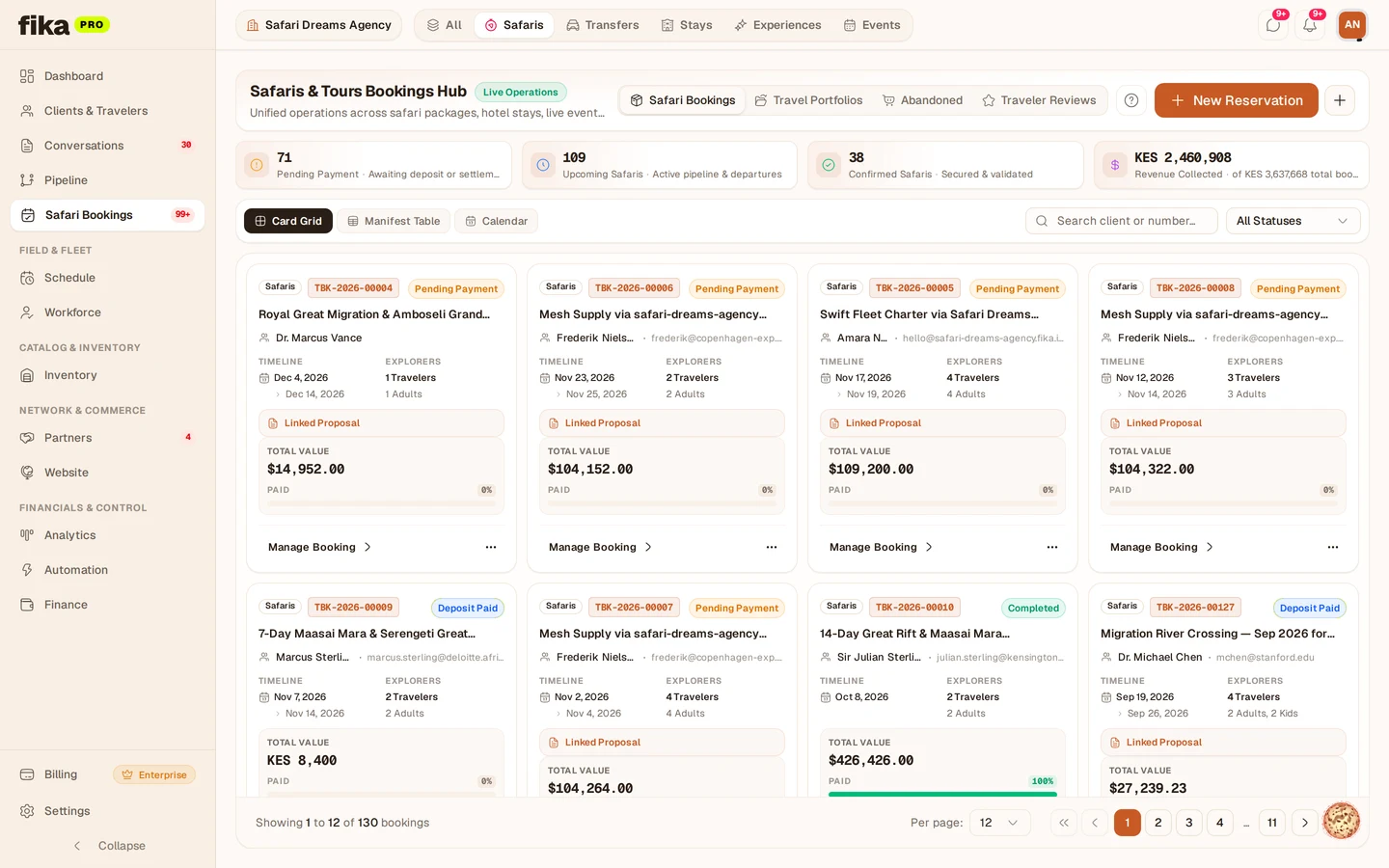
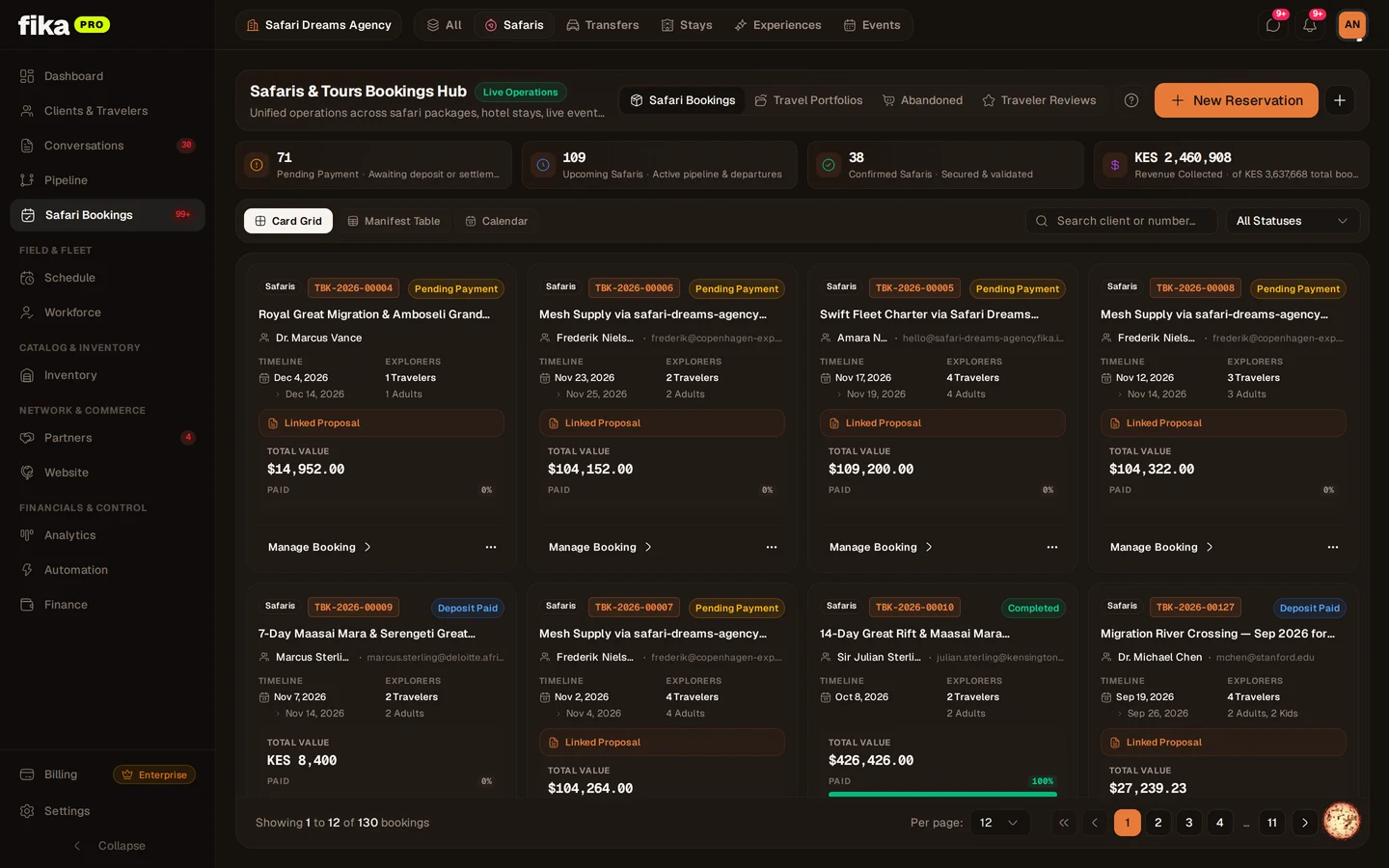
Stop-sale guards
Over-allotment protection blocks confirmations the moment a block hits zero — across every channel.
Waitlists that convert
Full blocks collect waitlists automatically, and released inventory re-offers in priority order.

Season versioning
Contract seasons roll forward with history preserved — next year’s negotiation starts from data, not memory.

Utilization analytics
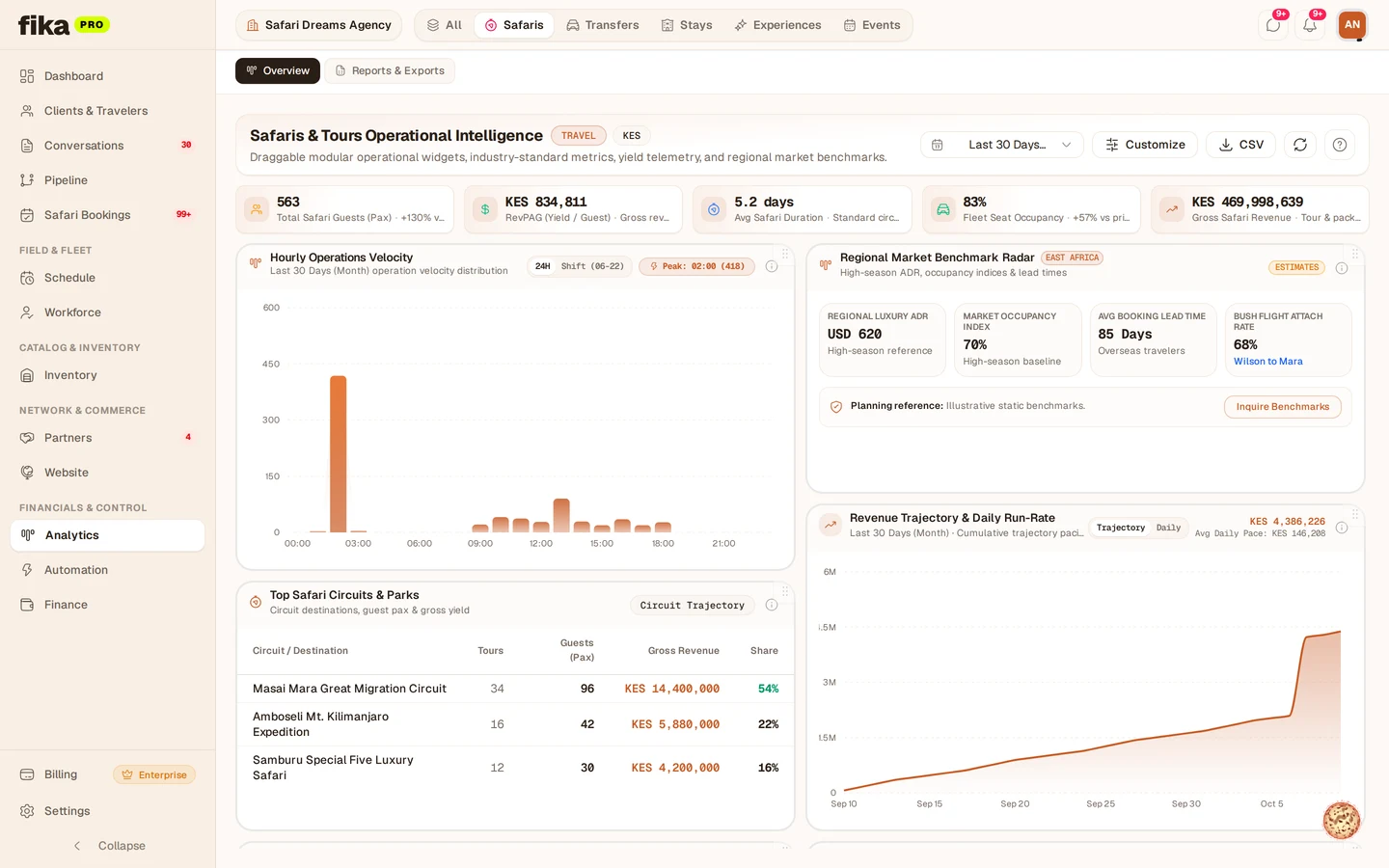
Pickup rates, release waste, and no-show patterns per supplier feed straight into contracting decisions.
Fika vs. spreadsheet allotments
| Capability | With Fika Travel OS | Traditional Workflow |
|---|---|---|
| Availability truth | One live matrix every channel reads | A spreadsheet updated when someone remembers |
| Releases | Automatic cut-off releases with alerts | Calendar reminders and hopeful emails |
| Overbooking | Hard guards stop confirmations at zero | Discovered at check-in, fixed with upgrades |
| Waitlists | Automatic capture and priority re-offer | Names on paper, called if lucky |
| Settlement | Used vs. released units reconciled per contract | Month-end arguments over room nights |
Frequently asked questions
-
01 Which inventory can allotments track?
Lodge rooms and beds, safari vehicle seats, transfer legs, activity slots, and banquet covers — anything sold from a contracted block.
-
02 What happens when a block sells out?
Confirmations stop with a clear sold-out signal, waitlists open automatically, and the team sees exactly which supplier to chase for more.
-
03 Can release rules differ per supplier?
Yes. Cut-offs, grace periods, and penalties configure per contract — the engine enforces each supplier’s terms independently.
-
04 Do allotments feed proposals and pricing?
Yes. Quotes and itineraries price from live allotment availability, so sold-out inventory never appears bookable to clients or agents.
Ready to put allotments on autopilot?
Start your 14-day free trial today. No setup fees, no credit card required.